Timeline
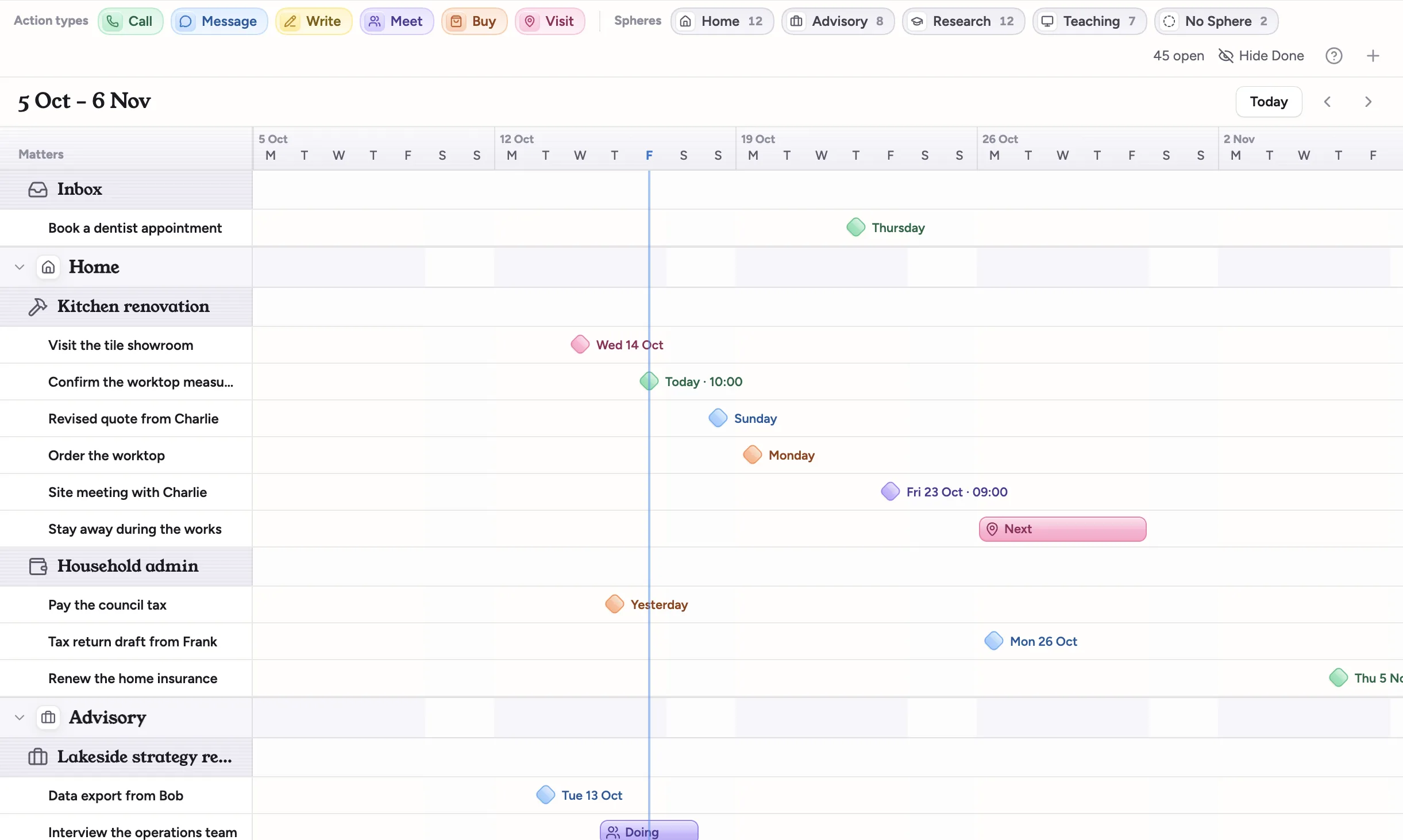
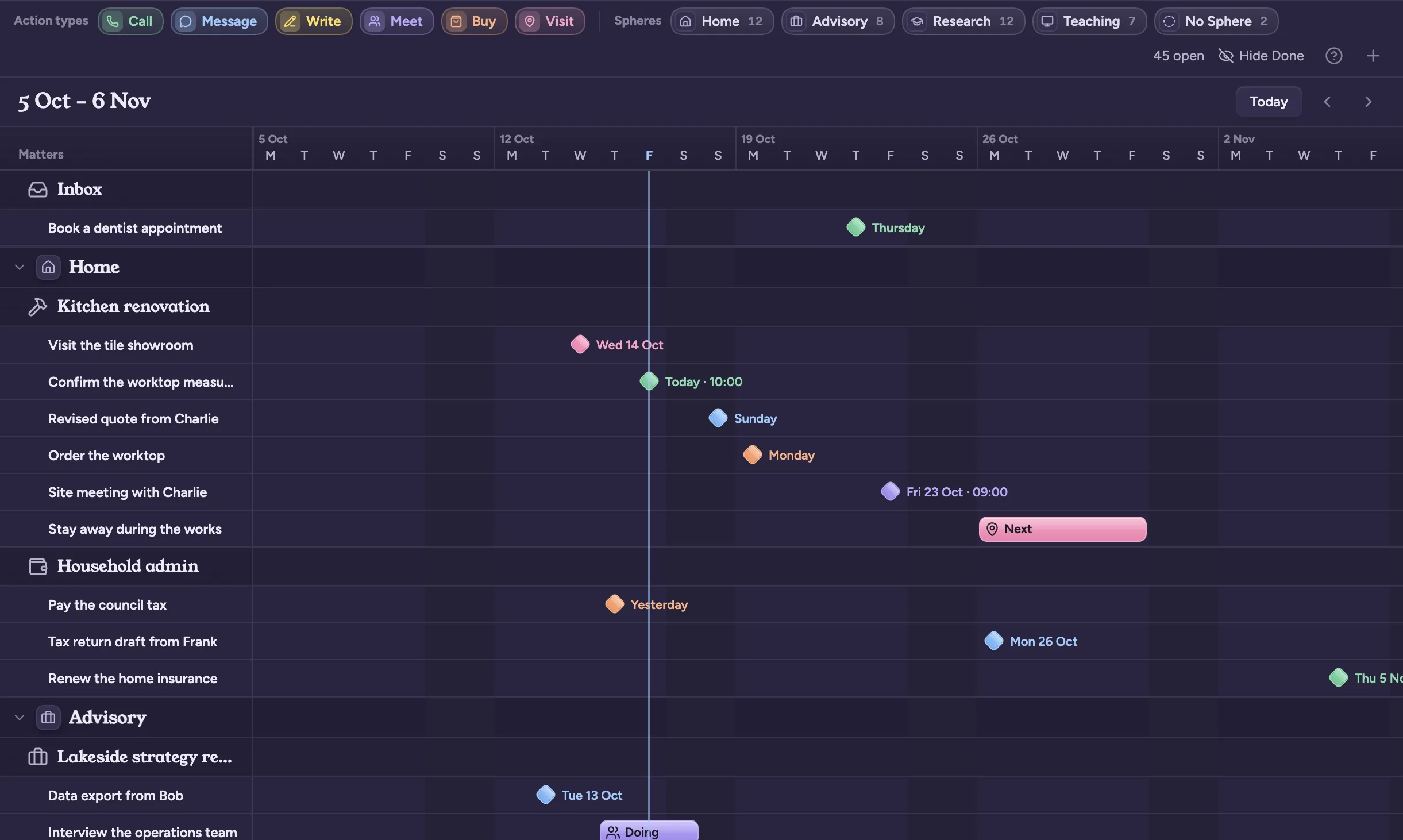
The timeline draws each Action as a bar from its start date to its due date, in a row per Matter. An Action with only one date shows as a single-day marker.
It opens on the week before today and shows about six weeks. Scroll sideways to go from six months back to a year ahead; the toolbar shows the dates in view, with Today and arrows to move by a week. Weekends are shaded.
Change dates
- Drag a bar to move it, keeping its length.
- Pull an end to change the start or the due date.
Start dates after due dates are left as they are: the inspector warns about them, and the bar is placed by its due date.
With Spheres, Matters are grouped under a row per Sphere, which you can collapse.
Timeline options
The timeline is a view in a Bases file, so its options live in the view’s settings and travel with the file. To open them, select the view’s name at the top left of the base (Timeline), then the arrow next to it; or right-click the view’s name.
The options:
| Option | Values |
|---|---|
| Inbox lane | Inherit (from settings), First, Last or Hidden: where the Inbox’s row goes |
| Show done | Inherit, Show or Hide |
| Show done from the last N days | Only closed Actions completed in that many days (0 = all). Keeps the bars of done Actions from crowding the rows |